Introducing Fleetdock: one dashboard for all your databases
Fleetdock is an open-source, self-hosted control plane for MariaDB, MySQL and PostgreSQL. Why we built it, what 0.9.0 adds, what it doesn't do, how to install.
Fleetdock is an open-source (Apache-2.0), self-hosted control plane for MariaDB, MySQL and PostgreSQL: one web dashboard and API for your database servers, databases, users and backups, running on a machine you own. Version 0.9.0, released today, adds fleet-wide SQL, schema history, previews before writes and undo for data edits. This post explains why Fleetdock exists, what it does and doesn't do, and where it is going.
Why we built it
Running one database is a solved problem. Running forty, or four hundred, is where things get uncomfortable: a SaaS product with one database per customer, an agency hosting databases for its clients, an infrastructure team that inherited a few dozen servers.
The usual toolkit at that scale looks like this:
- SSH and shell scripts. Every provision, backup and fix is a session on a specific host. What was done, and how, lives in someone's terminal history.
- Backups from crontabs. Each server has its own job, with no shared status. You learn that a job stopped when you need the restore.
- A GUI per host. phpMyAdmin on one server, pgAdmin on another. None of them knows about the others.
- Credentials everywhere. Passwords in
.envfiles, chat messages and wikis, with no central place to rotate or revoke them.
The usual alternative is a managed cloud database. For many teams that is the right call. But your data and credentials then live in a provider's cloud, and the bill grows with every database you add.
We wanted something in between: keep your own servers, your own data and your own bucket, and get a shared operations layer on top. That is Fleetdock.
What Fleetdock does
Fleetdock is a single application (API and dashboard in one container) with a PostgreSQL database for its own metadata. You connect databases to it in two ways:
- Directly, for any database Fleetdock can reach over the network: on your LAN, behind an SSH bastion, or hosted elsewhere, such as Amazon RDS or Neon. You give it an address and a login.
- Through the agent, a small Go service you install on a Linux server with one command. With the agent, Fleetdock can create MariaDB, MySQL or PostgreSQL containers on that server, report its CPU, memory and disk, and back up databases that aren't reachable from outside.
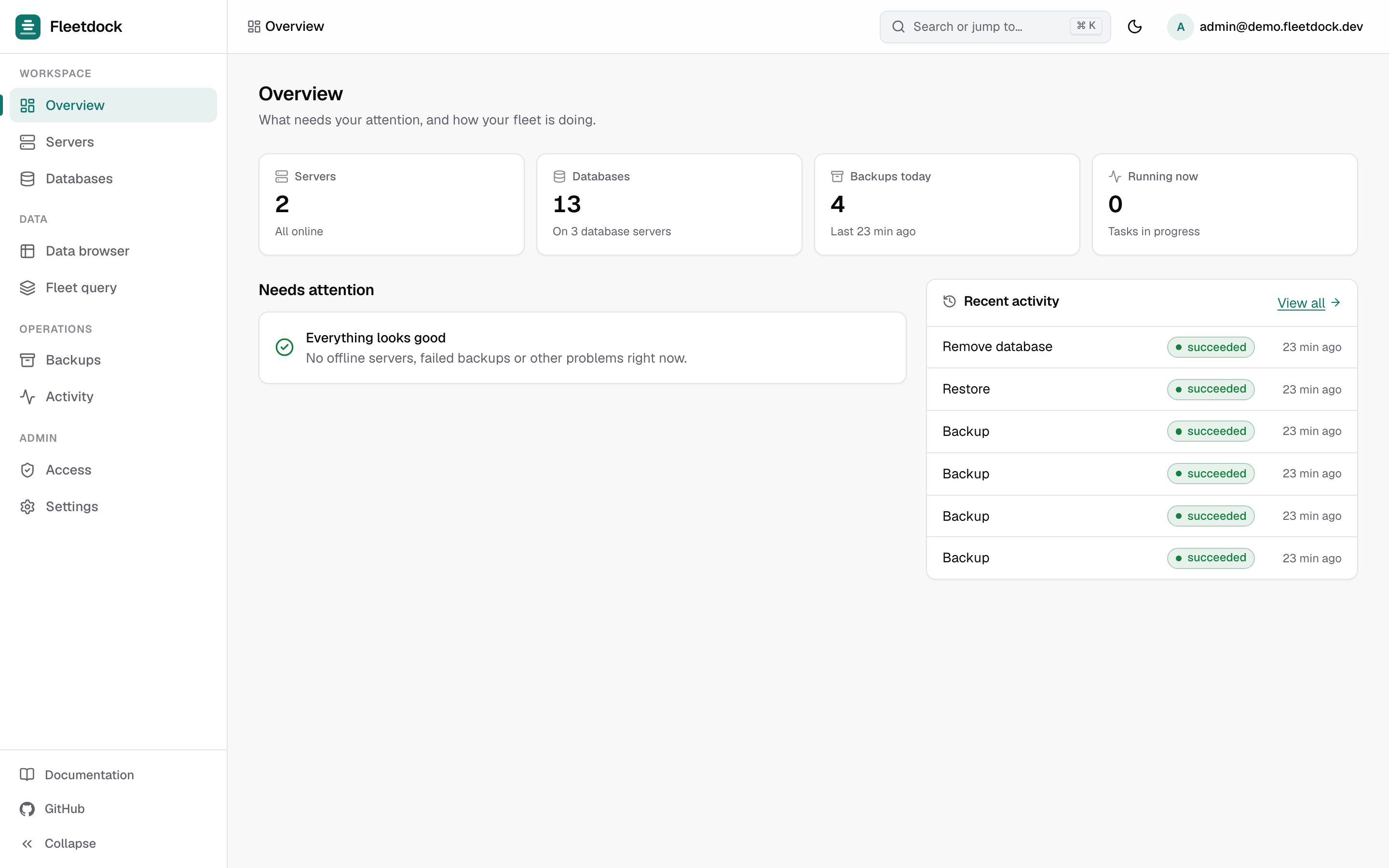
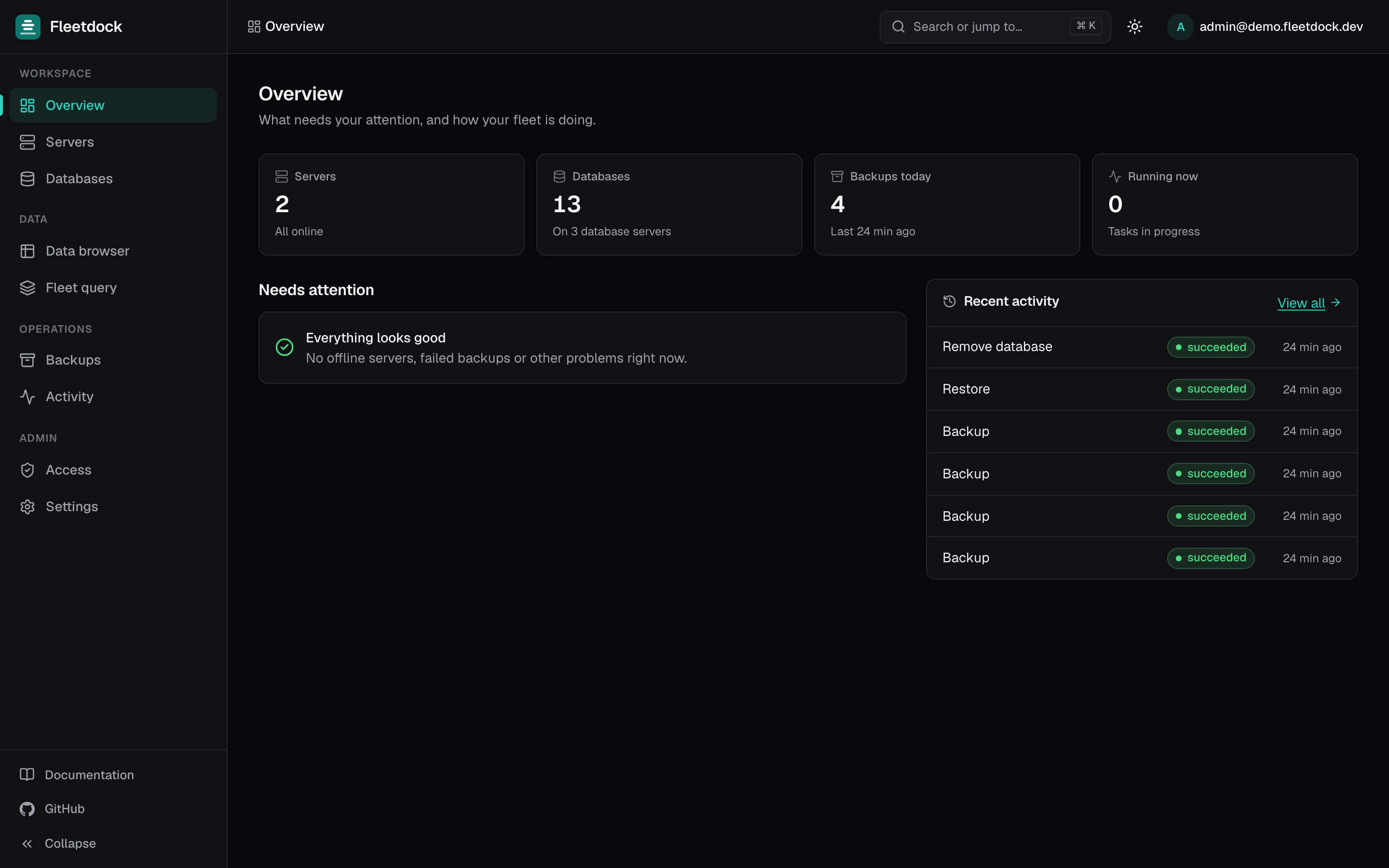
Once connected, Fleetdock discovers the databases on each server every minute and gives you:
- Backups with each engine's own dump tool, checksummed and streamed to your own S3, Cloudflare R2 or S3-compatible bucket, with schedules, retention and test restores. See Backups.
- Restores and moves. Restore a backup into the same or another database, or move a database to another server as one tracked job: backup, restore, verify, and optionally drop the source. See Migration.
- A data browser and SQL console in the browser, with in-place editing and structure editing.
- Users and grants on your database servers, and application credentials for your apps.
- Monitoring and alerts: server metrics, instance health, live sessions, and notifications by email, Slack or webhook when a backup fails or a server goes offline.
- Access control for your team: built-in and custom roles, and scoped API tokens.
Stored passwords and storage keys are encrypted at rest with your own key. Fleetdock sends no telemetry.
What's new in 0.9.0
Fleetdock has been developed in the open since its first release in July. 0.9.0 is the release we're introducing it with, and it focuses on working safely with data across many databases.
- Fleet query. Run one SQL script on up to 500 databases in the background and read the results in one merged table, with CSV export. Scripts that write need a typed confirmation, run on the first database alone and stop at the first failure by default. More in Fleet query.
- Schema history and drift. Every structural change is recorded as a snapshot, whoever made it, and Compare with… writes the DDL that aligns two databases on the same engine. See Schema history.
- Preview writes in the SQL console. A script with writes can be dry-run in a transaction that
is always rolled back. You see the rows affected per statement and, for a single-table
UPDATEorDELETE, a sample of rows before and after. - Undo in the data browser. Every insert, edit and delete made in the data browser is journaled with the row before and after. Undo works right after saving, or later from a table's change history.
- Compare a table with a backup. Restore a backup into a temporary database on the same server, see which rows changed, were deleted or were added since, and put back the ones you pick.
- Navigation and performance. SQL autocompletion from the real schema, Ctrl/Cmd+K to find a table or column across every database, query plans drawn as a tree, unused and redundant index detection, and a server's most expensive statements.
The release also moves to Next.js 16.4.3 and Go 1.26.10 for security fixes, and production mode now refuses to start with the demo stack's published secrets. The full list is in the changelog.
What Fleetdock doesn't do
- No high availability, replication or automatic failover. Fleetdock manages, backs up and monitors your databases. It does not replicate them or fail over between servers. If you need that, keep your existing replication setup.
- No point-in-time recovery yet. Backups are logical dumps. A restore takes you back to the moment of a backup, not to an arbitrary second.
- No engine upgrades or config tuning. Upgrading MariaDB or PostgreSQL versions and editing
my.cnforpostgresql.confare still on you. - Not a container platform. Docker is only how the agent runs the databases it provisions.
- Three engines. MariaDB, MySQL and PostgreSQL. Redis and others are not supported.
Fleetdock holds credentials for every database you connect, so read the security model before exposing it to the internet.
Install it
You need a Linux server with ports 80 and 443 open. 2 vCPU and 4 GB of RAM is enough to start. A
domain is optional: without one, the installer picks a free sslip.io name that still gets a
real HTTPS certificate.
curl -sSL https://fleetdock.dev/install.sh | sudo shThe installer asks for a domain and an admin email, shows what it will do and waits for you to
confirm. It installs Docker if needed, starts Fleetdock behind automatic HTTPS and prints your
login. Later, fleetdock update backs up Fleetdock's own data and moves to the latest release.
The full walkthrough is in Getting started.
To try it on a Mac or a Windows PC (through WSL2), leave out sudo and Fleetdock runs privately on
that computer. See Install on your computer.
Where it's going
The roadmap is public. The items at the top of our list:
- More tests on the worker and on backup and restore paths.
- SSO / OIDC and two-factor authentication for dashboard logins.
- Cloudflare Tunnel for reaching external databases without open database ports.
- A Helm chart and Prometheus metrics for running the control plane on Kubernetes and monitoring it.
Also on the roadmap, without a date yet: point-in-time recovery through binlog and WAL archiving, engine version upgrades and config tuning, replica topology modeling, connection pooling, and more notification channels such as PagerDuty and Discord.
Get involved
Fleetdock is developed on GitHub. Issues are the fastest way to reach us, and any roadmap item marked todo is open for a pull request. If you're weighing Fleetdock against another tool, see our comparisons.