Fleetdock vs phpMyAdmin
Looking for a phpMyAdmin alternative? Compare Fleetdock and phpMyAdmin: engines, backups, undo for edits, multi-server use, licensing and when each one fits.
Short answer
Pick phpMyAdmin to edit one MySQL or MariaDB server from a PHP host with almost no setup. Pick Fleetdock to run many MariaDB, MySQL and PostgreSQL databases with scheduled backups, restores and undo for edits.
| Fleetdock | phpMyAdmin | |
|---|---|---|
| Engines | MariaDB, MySQL, PostgreSQL | MySQL, MariaDB |
| License | Apache-2.0 | GPL v2 |
| Price | Free, self-hosted | Free, self-hosted |
| Runs on | Linux server with Docker | Web server with PHP 7.2.5+ |
| Scheduled backups | Yes, to S3, R2 or S3-compatible | Manual export; no scheduler |
| Restore and move databases | Yes, checksum-verified | Import SQL or CSV files |
| Undo for row edits | Yes, per row or per save | Not in its feature list |
| Check a write before running | Rolled-back dry run, rows before/after | Simulate query: matched-row count |
| Run SQL on many databases | Up to 500 at once | Not in its feature list |
| Export formats | CSV, gzipped SQL dump | SQL, CSV, XML, PDF, ODF, Word, LaTeX |
| Users and access control | Roles: owner, admin, operator, viewer, custom | Database server accounts only |
Fleetdock and phpMyAdmin are both free, open-source, web-based tools for working with MySQL-family databases. phpMyAdmin is a PHP application for administering MySQL and MariaDB servers from a browser. Fleetdock is a self-hosted control plane for MariaDB, MySQL and PostgreSQL that adds scheduled backups, restores, database moves and fleet-wide queries to the data browser and SQL console, so it fits teams running many databases across many servers.
What is phpMyAdmin?
phpMyAdmin is a free tool written in PHP, licensed under the GPL v2, for administering MySQL and MariaDB through a web browser. It needs a web server with PHP 7.2.5 or newer and works with MySQL and MariaDB 5.5 or newer.
Its feature set is broad for single-server work: managing databases, tables, columns and indexes, running and bookmarking SQL, managing user accounts and privileges, stored procedures and triggers, query-by-example, schema visualization, and import of CSV and SQL files. It exports to many formats, including SQL, CSV, XML, PDF, OpenDocument, Word and LaTeX, and its interface is translated into 98 languages. It can also be configured to administer several servers.
What is Fleetdock?
Fleetdock is an Apache-2.0, self-hosted dashboard and API for your databases. It has two parts: the Manager (the dashboard, API and background worker, with its own PostgreSQL for metadata) and an optional Agent you install on database servers. The agent lets Fleetdock create database containers there, report CPU, memory and disk every 30 seconds, and back up databases that are not reachable from outside. Databases Fleetdock can reach over the network, including hosted ones such as Amazon RDS or Neon, connect with just an address and a login.
Install it on a Linux server with one command, which sets up automatic HTTPS:
curl -sSL https://fleetdock.dev/install.sh | sudo shKey differences
Engines
phpMyAdmin covers MySQL and MariaDB. Fleetdock covers MariaDB, MySQL and PostgreSQL with the same tools, which matters if your stack has both.
Backups and restores
phpMyAdmin exports a database when you ask it to. Fleetdock runs backups on a cron schedule with a retention window, using mariadb-dump or pg_dump, and streams them to S3, Cloudflare R2 or an S3-compatible bucket with a SHA-256 checksum. Restores verify that checksum before touching the target, and a migration copies or moves a database to another server through backup, restore and verify steps. Failed backups can notify you by email, Slack or webhook.
Safer editing
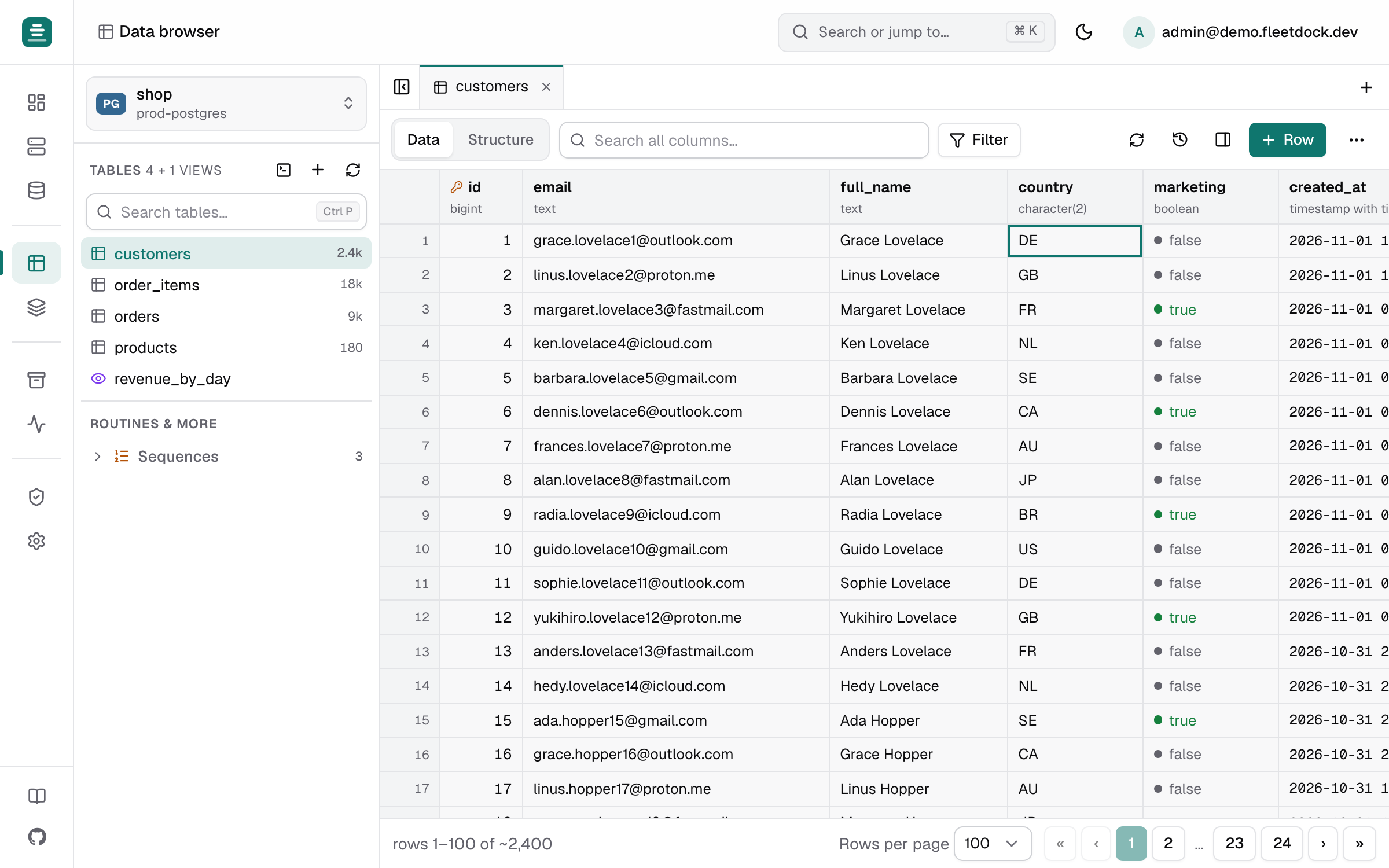
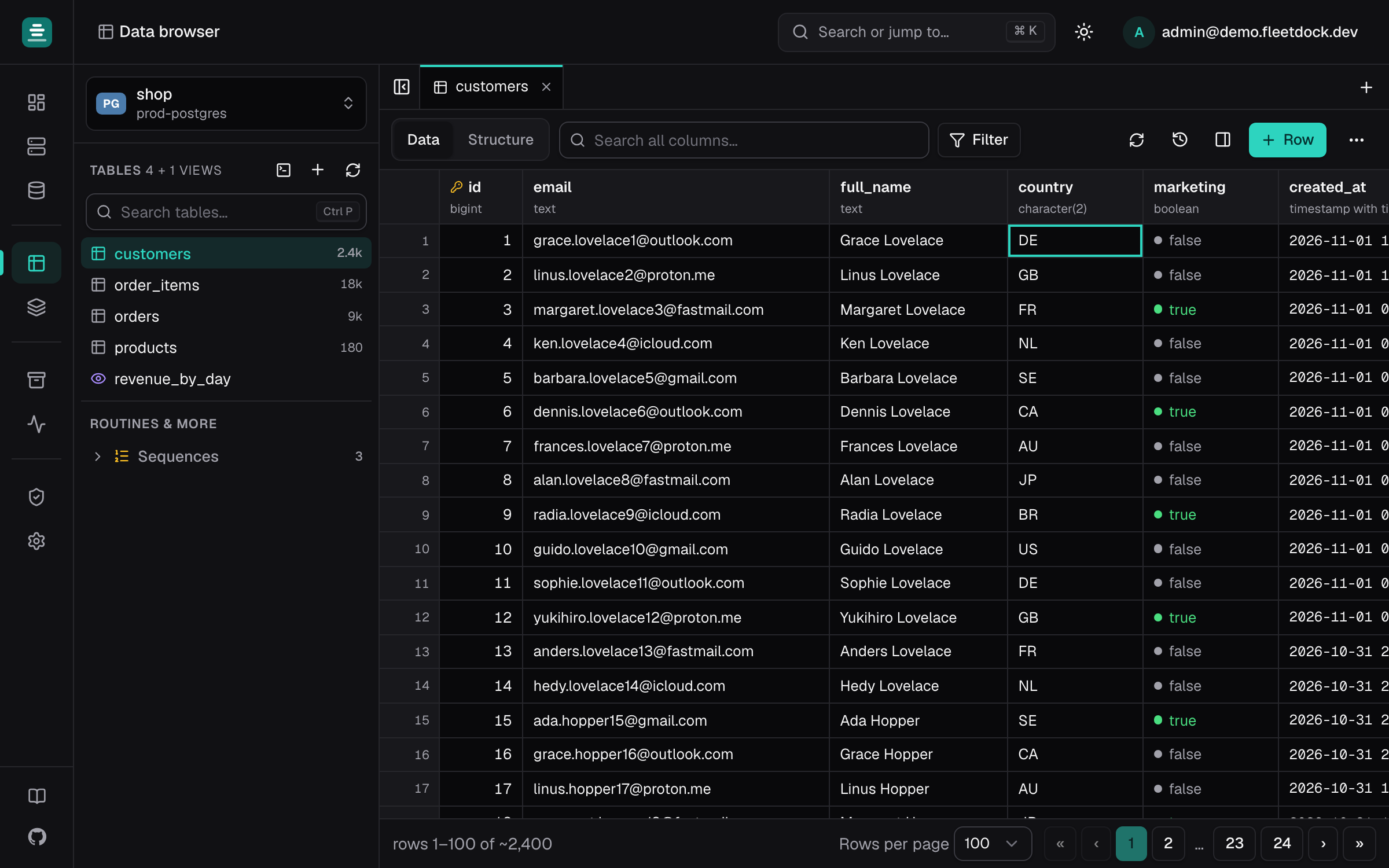
Fleetdock's data browser keeps edits pending until you save, journals every saved insert, edit and delete, and offers Undo per row or per save (the journal is kept for a week by default). phpMyAdmin can simulate an UPDATE or DELETE by counting the rows it would match. Fleetdock's SQL console can Preview a whole write script in a transaction that is always rolled back, showing how many rows each statement would change and a sample of rows before and after.
Many databases at once
phpMyAdmin's feature list has no equivalent for running one script across many databases. Fleetdock's fleet query runs one SQL script on up to 500 databases and merges the results into one table, with a typed confirmation and a run-on-one-database-first step for scripts that write. This is aimed at setups with one database per customer or tenant.
Access control
phpMyAdmin does not handle user management itself: you sign in with a database server account, and the server decides what that account may do. Fleetdock has its own users with roles (owner, admin, operator, viewer and custom roles) and stores database credentials encrypted at rest. Fleetdock does not offer SSO, OIDC or 2FA yet; see Security.
When to choose phpMyAdmin
- You manage one or a few MySQL or MariaDB servers and want a lightweight tool.
- You can only run PHP, for example on shared hosting, and cannot run Docker.
- You need exports to PDF, OpenDocument, Word, XML or LaTeX, or query-by-example.
- Your team needs the interface in a language other than English.
When to choose Fleetdock
- You run PostgreSQL alongside MySQL or MariaDB.
- You need scheduled backups to your own bucket, with retention, restores and failure alerts.
- You manage tens or hundreds of databases across several servers.
- You want undo for data edits, write previews and an audit trail of who changed what. Every change is recorded in the audit log.
Can you use them together?
Yes. Fleetdock connects with an ordinary database login, so phpMyAdmin keeps working against the same servers. Some teams keep phpMyAdmin for quick lookups and use Fleetdock for backups and multi-server work.
Fleetdock does not provide replication, high availability or automatic failover. Keep your existing replication setup for that.
Getting started
Follow Getting started to install the Manager, connect your first database server and schedule a backup. To try Fleetdock on your own computer first, see Install on your computer.
Frequently asked questions
Is Fleetdock a phpMyAdmin alternative?
Yes, for teams that manage more than one database server. Fleetdock covers what people use phpMyAdmin for (browsing and editing rows, running SQL, managing users and grants) and adds scheduled backups, restores, fleet-wide queries and PostgreSQL support.
Does Fleetdock support PostgreSQL like phpMyAdmin supports MySQL?
Yes. Fleetdock treats MariaDB, MySQL and PostgreSQL as first-class engines, with the same data browser, SQL console and backups for all three. phpMyAdmin is for MySQL and MariaDB only.
Can I run Fleetdock on shared hosting like phpMyAdmin?
No. Fleetdock needs a Linux server with Docker, and 2 vCPU with 4 GB of RAM is enough to start. phpMyAdmin is a PHP application, so it runs on web servers with PHP 7.2.5 or newer.
Is Fleetdock free like phpMyAdmin?
Yes. Both are free and open source. Fleetdock is Apache-2.0 and phpMyAdmin is GPL v2; you host either one yourself.
Can I keep phpMyAdmin and add Fleetdock?
Yes. Fleetdock connects with an ordinary database login and does not change how phpMyAdmin works, so you can run both against the same servers while you evaluate.