Schema history
Record every structural change to a database, get notified, compare two databases and generate the migration script.
A database's Schema tab keeps a timeline of its structure: tables, columns, indexes,
constraints, views, routines, triggers, and on PostgreSQL enum types and extensions. It does not
matter how a change was made: through Fleetdock, by a migration tool, or by someone in psql.
Track changes
Turn on Track changes (needs database:write). Fleetdock takes the first snapshot right away.
After that it checks the structure every FLEETDOCK_SCHEMA_SNAPSHOT_INTERVAL (15 minutes by
default; 0 turns the periodic checks off), and right after structure changes made in Fleetdock.
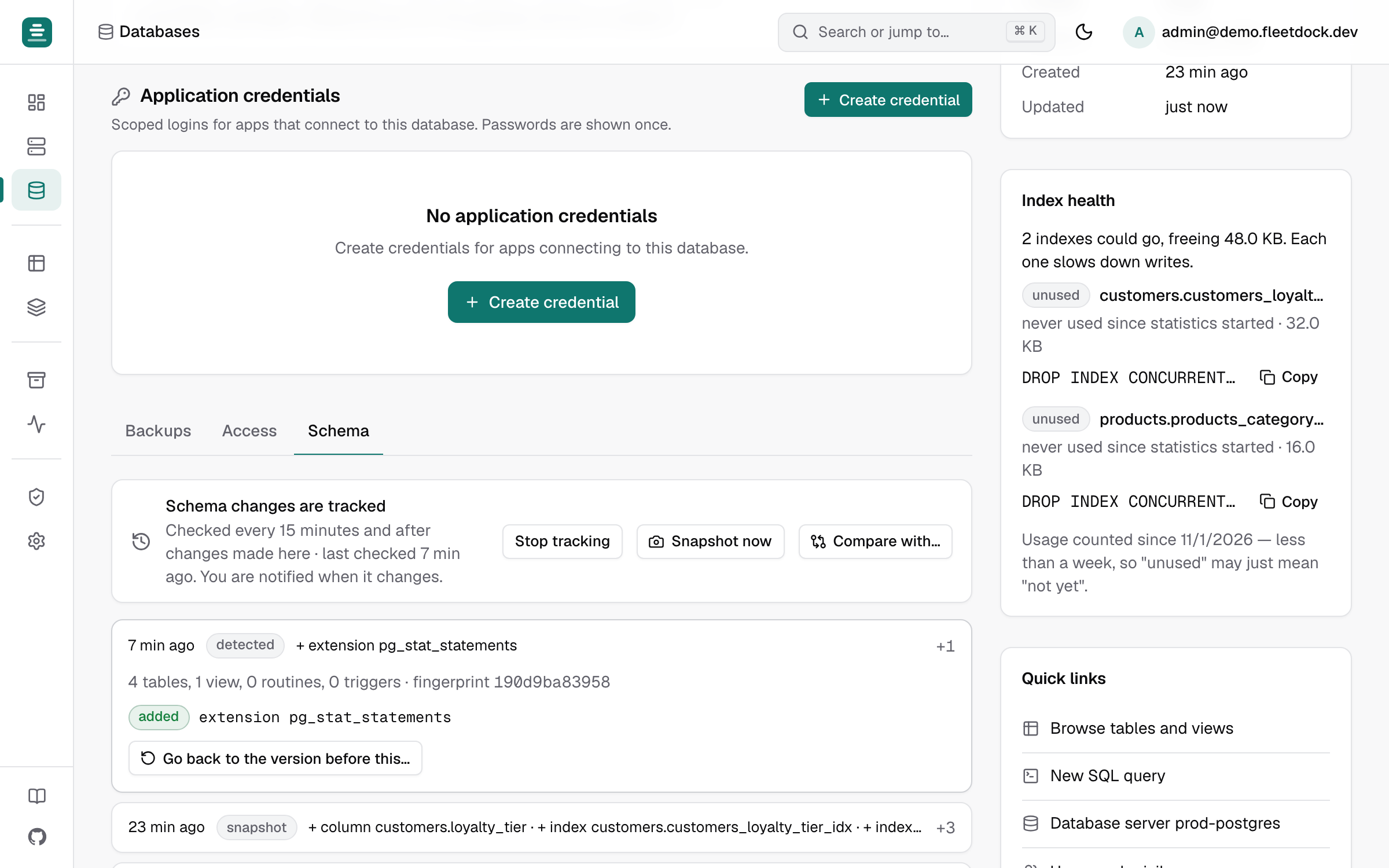
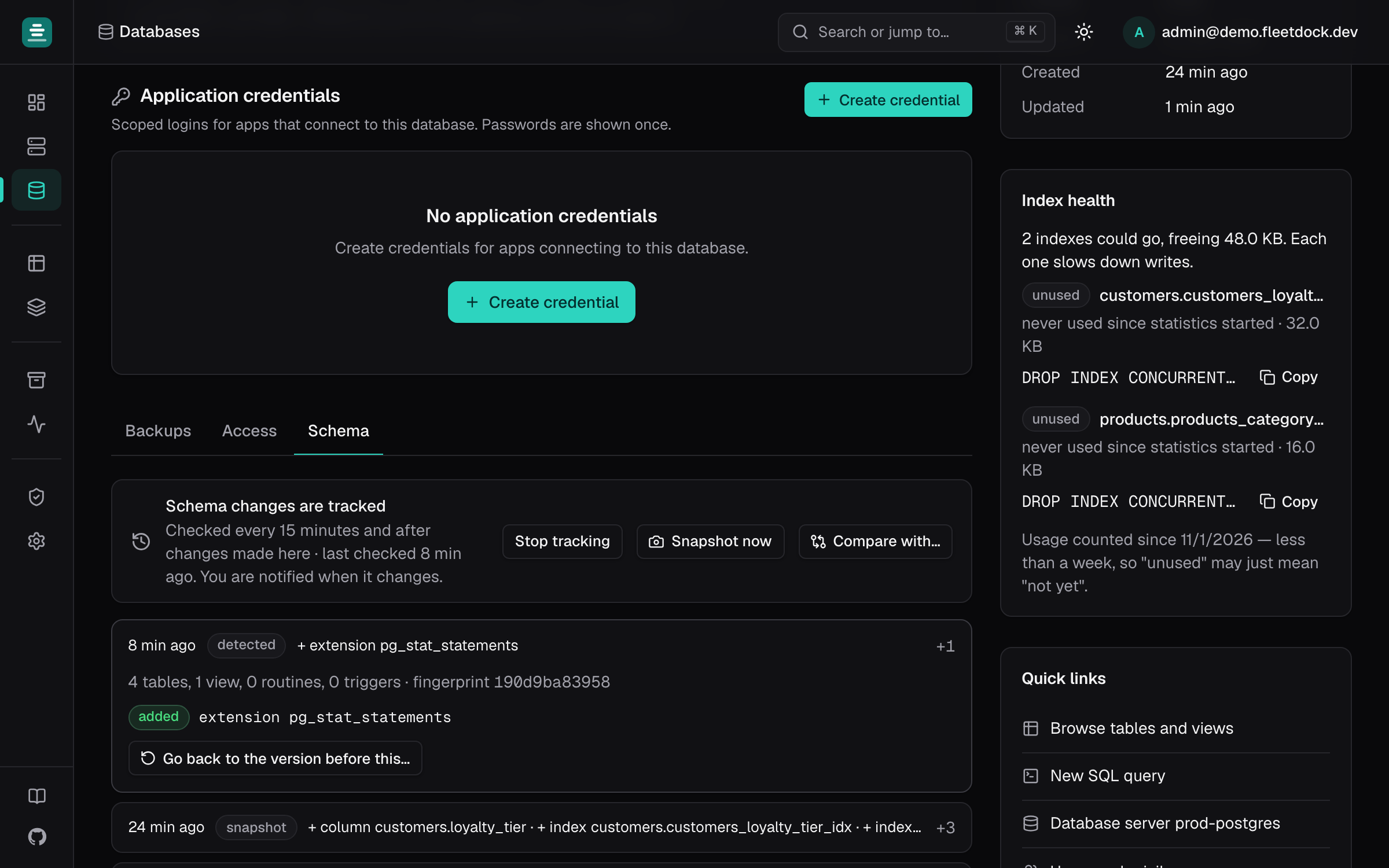
Whenever the structure differs from the last snapshot, Fleetdock records a new one:
- the timeline shows what was added, removed or changed (
+ column orders.note,~ index items.ix_sku), and each entry opens to the definitions before and after; - a
database.schema_changednotification goes to your notification channels.
Data, AUTO_INCREMENT counters and column order do not count as changes. Snapshot now
records the current structure on demand. The last 200 snapshots are kept per database.
Compare two databases
Compare with… diffs this database's structure with another database on the same engine (staging against production, one tenant against another). It writes the DDL that makes one match the other; Swap reverses the direction. Fleetdock never runs it for you:
- Open in SQL console puts the script in a new console tab on the database it changes, where it runs with the usual confirmation;
- dropping tables and columns is left commented out with
-- REVIEW, because it loses data; - what cannot be generated is described in a
-- manual:comment: a changed generated-column expression, removed or reordered enum labels, partitioning changes.
Both databases are read with your own data access, and you need access to both.
Go back to an earlier version
Open a snapshot and choose Go back to the version before this…. Fleetdock compares the database as it is now with that earlier snapshot and writes the script that restores its structure. That undoes every structural change made since, not only the selected one.
This restores structure, not data: a dropped table or column comes back empty. To recover rows, use Compare with a backup or a restore.
API
GET /v1/databases/{id}/schema/snapshots: the watch setting and the timeline;POSTtakes a snapshot now.GET /v1/databases/{id}/schema/snapshots/{snapshotId}: one snapshot with its changes.PUT /v1/databases/{id}/schema/watch:{"enabled": true}.POST /v1/schema/compare:{"source_database_id", "target_database_id"}, or asource_snapshot_id. Returns the differences and the script.