Database-per-tenant: operating hundreds of customer databases
Database per tenant for SaaS: trade-offs against a shared schema, and how to run hundreds of customer databases with fleet queries, backups and drift checks.
Database-per-tenant gives each customer their own database on a shared MySQL, MariaDB or PostgreSQL server. You get strong isolation, per-customer backup and restore, and simple deletion, and you pay for it by running every migration, backup and check once per tenant instead of once. Fleetdock is a self-hosted, open-source control plane for that operational side: it lists every tenant database across servers, runs one SQL script on up to 500 of them, backs each one up on its own schedule, moves a tenant to another server, and records schema changes so drift between tenants shows up.
Three ways to isolate tenants
Shared schema (tenant_id column) | Schema per tenant (PostgreSQL) | Database per tenant | |
|---|---|---|---|
| Isolation | Application code must filter every query | Separate namespaces, shared database | Separate databases; grants per database |
| Restore one customer | Hard: rows mixed with everyone else's | Possible with a schema-level dump | One restore of one database |
| Delete a customer | DELETE across every table | DROP SCHEMA … CASCADE | DROP DATABASE |
| Schema migrations | Once | Once per tenant | Once per tenant |
| Cross-tenant reporting | One query | Query per schema, or a union | Query per database |
| Cost per extra tenant | Rows | Tables and catalog entries | Tables, files, and on PostgreSQL connections |
When database-per-tenant is the right call
- Contracts or regulation require a customer's data to be separable, exportable or deletable on request.
- You need to restore one customer to last night without touching anyone else.
- Tenants differ a lot in size, and the largest ones should be able to move to a server of their own.
- Some customers need data in a specific region, which then becomes a choice of server.
When it is not
- Thousands of small or free-tier tenants. Each database carries its full set of tables: 300
tenants with 80 tables each is 24,000 tables on one server. MySQL 8's default
table_open_cacheis 4,000, and PostgreSQL's defaultmax_connectionsis 100, shared by every database since a connection belongs to one database. - Frequent cross-tenant analytics. Every report becomes a fan-out query or an ETL job.
- A small team with no tooling to run operations per tenant. Without it, the pattern turns into scripts that loop over databases over SSH.
If you choose a database per tenant, the work below is what you sign up for. Each section shows the Fleetdock feature that handles it.
See every tenant database in one list
Connect each database server to Fleetdock, through the agent or directly (see
Manage many MySQL servers). Every minute,
Fleetdock checks each server it has a login for: databases created by your sign-up flow
appear on their own, and databases dropped outside Fleetdock are marked not found on
server after about three minutes. Names containing -, such as
tenant_ffc07774-1db5-…, are supported.
Ctrl/⌘ + K finds a table or column by name across every tenant database you may open.
Run one script across all tenants
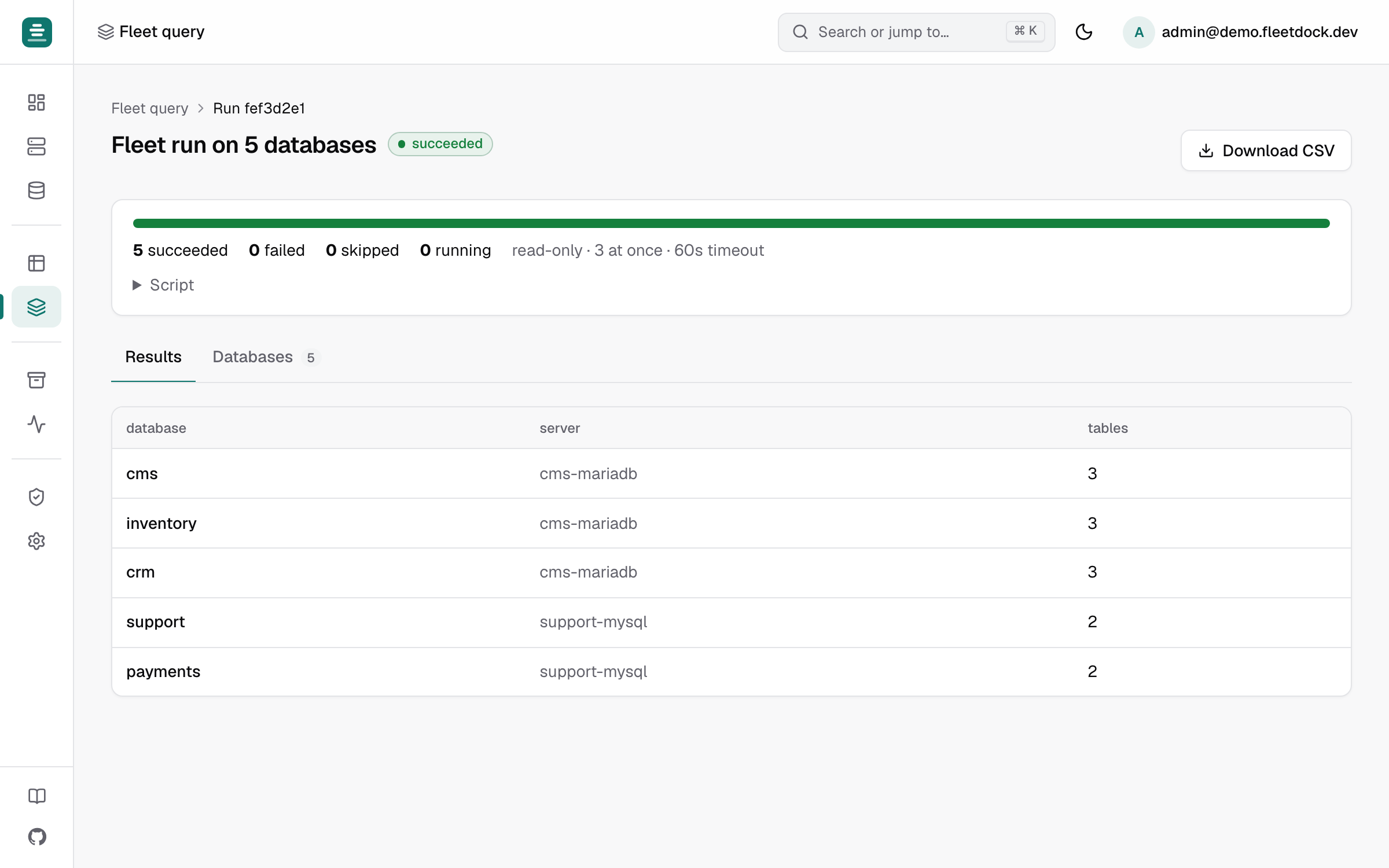
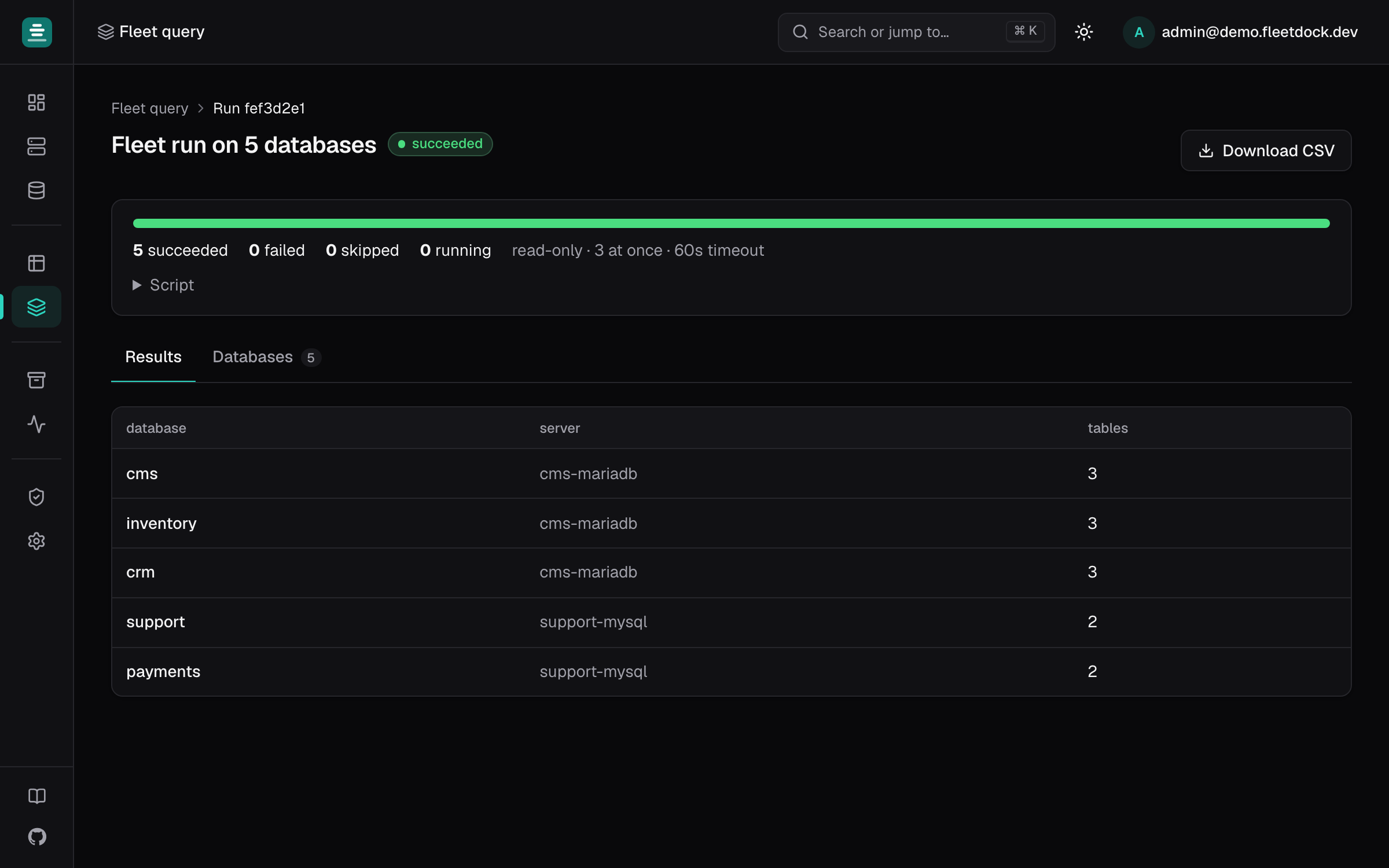
Fleet query runs a script on up to 500 databases, picked by name pattern
(tenant_*), server and engine. You set how many run at once (1 to 16), the timeout per
database (up to 600 s) and how many rows to keep from each (up to 1,000). Results are merged
into one table with the database and its server in front, and CSV downloads it.
A read-only check, such as which tenants already have a column, on MySQL or MariaDB:
SELECT COUNT(*) AS has_plan_column
FROM information_schema.columns
WHERE table_schema = DATABASE()
  AND table_name = 'accounts'
  AND column_name = 'plan';
On PostgreSQL, use table_schema = 'public' instead of DATABASE().
A script that writes gets extra safeguards, all on by default:
- you confirm by typing
run on N; - it runs on the first database alone and waits, so you can check the result before Continue on the other N;
- it stops at the first failure and skips the databases not yet started.
Nothing is rolled back for you, and a database whose run was interrupted is marked
unknown and never re-run on its own. Keep your application's migration tool as the
source of truth for schema changes, and use fleet query to check results or apply one-off
fixes. With more than 500 tenants, split the run by name pattern, for example tenant_a*.
Detect schema drift between tenants
Drift happens when a migration fails on a few tenants, or someone patches one customer's database by hand. Two features find it.
Track changes on each tenant database
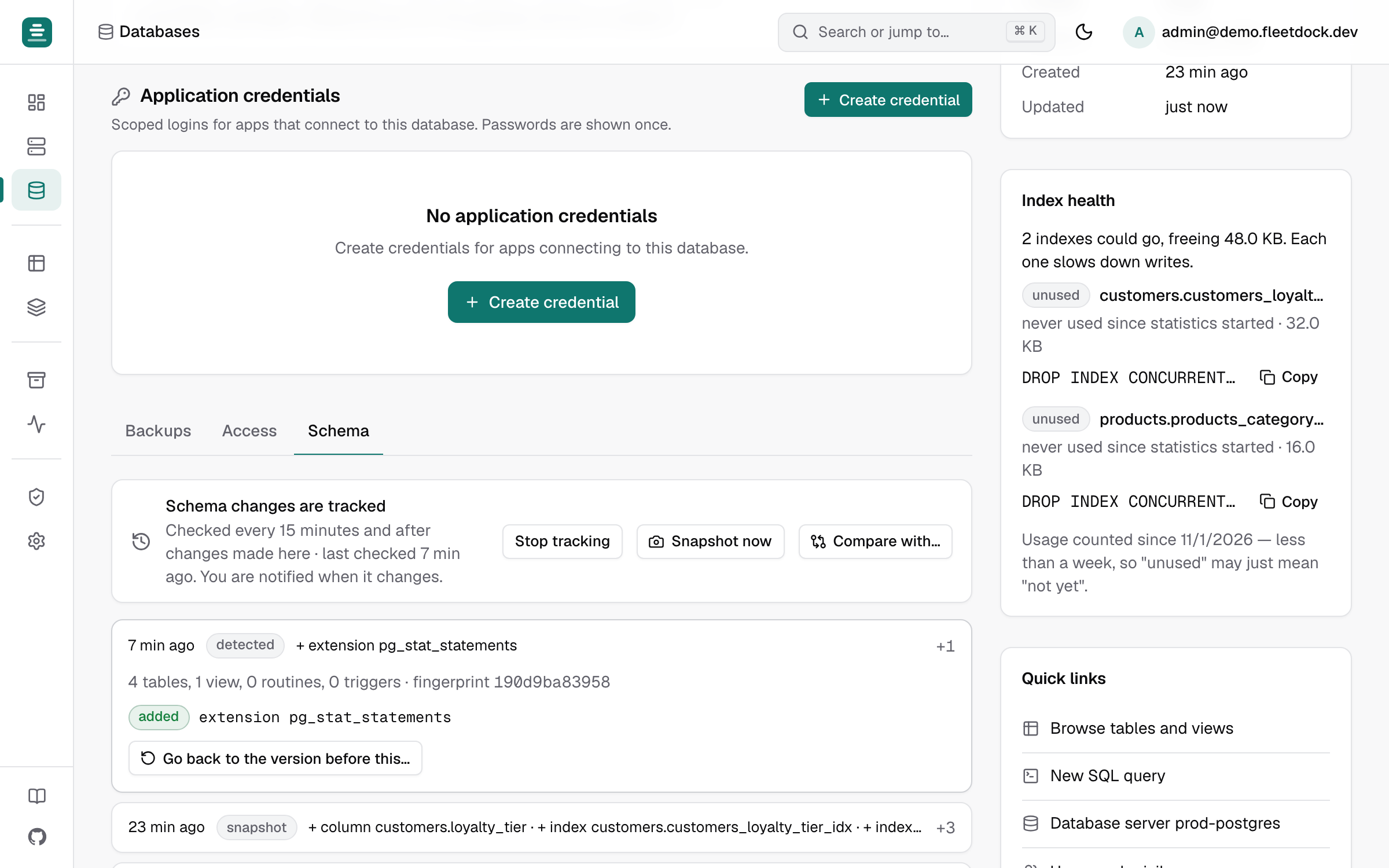
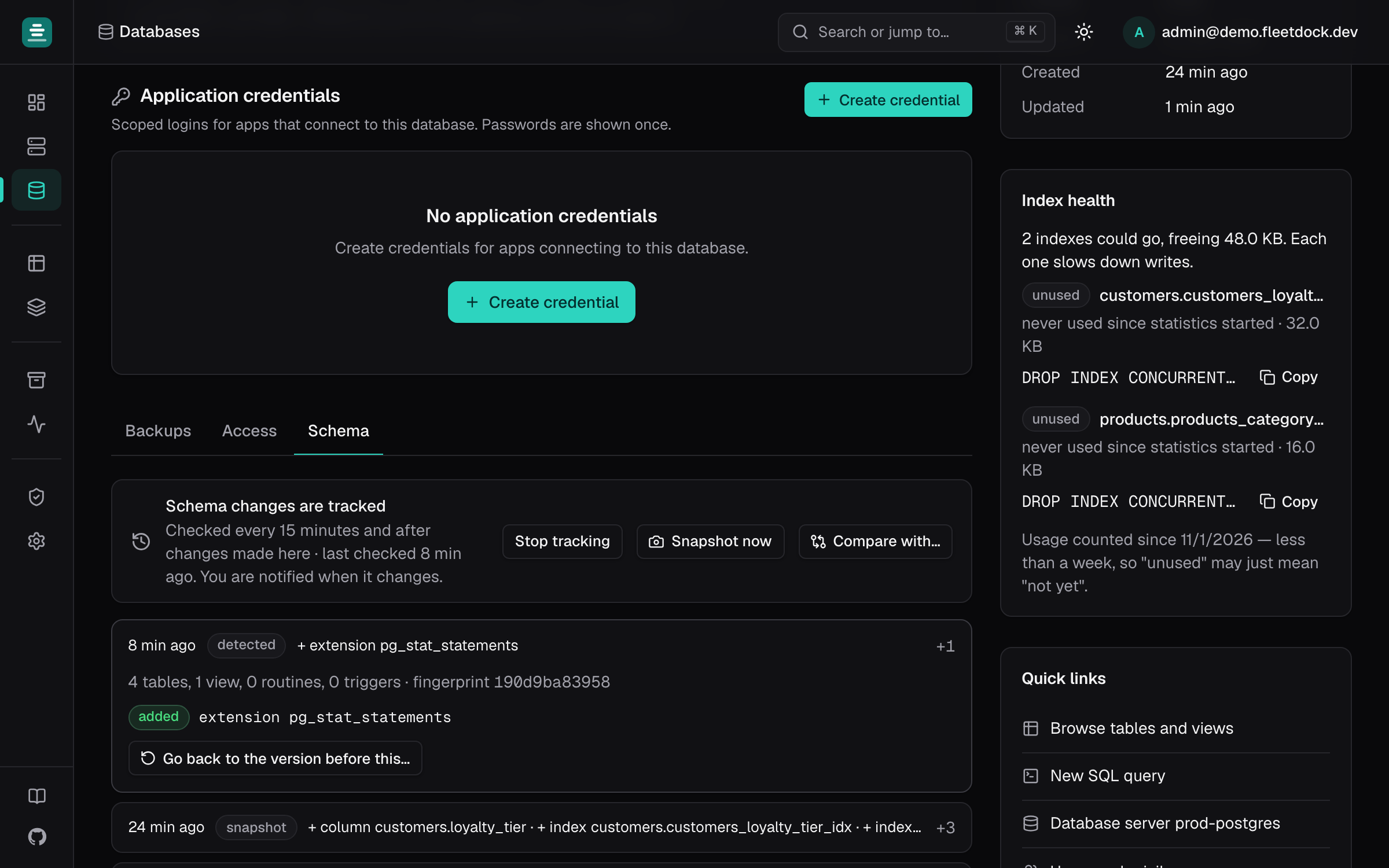
On a database's Schema tab, turn on Track changes. Fleetdock snapshots the structure
right away, then every 15 minutes (FLEETDOCK_SCHEMA_SNAPSHOT_INTERVAL), whoever made the
change: your migration tool, Fleetdock, or someone in psql. Each change appears on a
timeline (+ column orders.note) and sends a database.schema_changed notification. The
last 200 snapshots are kept per database. For many tenants, turn it on through the API with
PUT /v1/databases/{id}/schema/watch.
Spot outliers with a fleet query
Count tables and columns per tenant and sort the result. Tenants that differ from the rest have drifted:
SELECT COUNT(DISTINCT table_name) AS tables, COUNT(*) AS columns
FROM information_schema.columns
WHERE table_schema = DATABASE();
Compare an outlier with a reference tenant
Compare with… diffs a database against another on the same engine, for example a
tenant_template you migrate first, and writes the DDL that makes one match the other.
Dropping tables and columns is left commented out with -- REVIEW. Fleetdock never runs the
script itself: Open in SQL console puts it in a console tab to review and run.
Back up each tenant on its own schedule
A backup schedule covers one database, with its own cron cadence and retention, so a large customer can be backed up hourly and a trial account daily. Restoring one tenant overwrites only that database. To recover a few rows a customer deleted, Compare with a backup… in the data browser lists what changed since a backup and restores only the rows you pick.
Creating 300 schedules by hand is slow; script it with an API token and
POST /v1/backup-schedules. Setup, storage and restore checks are in
Scheduled backups to S3 or R2.
Move a tenant to another server
When a tenant outgrows a shared server, copy or move its database to another database server of the same engine. Fleetdock runs it as backup → restore → verify, and drops the source only after a verified restore if you ask it to. Applications are not repointed automatically, and writes made after the backup are not carried over, so plan a short write freeze per tenant. The full procedure is in Move a database to another server.
Give access per tenant
- Grant support staff access to individual tenant databases rather than whole servers, and
give them the
vieweroroperatorrole rather thanowner. - Set the database server's Data browsing connects as to Fleetdock-managed roles, so the data browser and SQL console run under a role the engine confines to that one database.
- For an external application, create an application credential scoped to one database
with a
readonly,readwriteoradminprofile.
Every change made through Fleetdock, including scripts that write and fleet queries, is recorded in Activity → Audit log. See Audit log.
Limits to plan around
- 500 databases per fleet query run, and at most 16 databases in progress at once per
Fleetdock process (
FLEETDOCK_FLEET_MAX_PARALLEL), across all runs. - Schedules and tracking are per database. Use the API to set them up for every tenant, and add them to your tenant sign-up flow.
- No replication or failover, and no point-in-time recovery between backups.
- No capacity enforcement. Server charts show CPU, memory and disk, but Fleetdock does not stop you from adding databases to a full server.
Frequently asked questions
Is database-per-tenant better than a shared schema with a tenant_id column?
Neither is better in general. A shared schema is cheaper and simpler to migrate at large tenant counts; a database per tenant gives stronger isolation, per-customer backup and restore, and simple deletion, at the cost of running every operation once per tenant.
How many tenant databases can one MySQL or PostgreSQL server hold?
There is no fixed number. The limits come from total tables, open files, memory and, on PostgreSQL, connections, since each connection belongs to one database. Watch those as you add tenants and move large tenants to their own servers.
How do I run a schema migration on every tenant database?
Keep using your application's migration tool as the source of truth. To apply or check one SQL script across many databases, Fleetdock's fleet query runs it on up to 500 databases per run, on the first database alone before the rest, and stops at the first failure.
Can Fleetdock move one tenant to another server?
Yes. It copies the tenant's database through a backup, restore and verify job, and drops the source only after the copy is verified if you ask it to. Applications are not repointed automatically, and the move is not zero-downtime.